
A Mac app
Your iPhone, backed up and within reach.
For iPhone and iPad, on your Mac. Back up your phone without iCloud, read and export what's in your backups, and restore everything or only what you need. Everything stays on your Mac.

iPhone and iPad
Everything on your iPhone, readable on your Mac.
Back up on your schedule
Over a cable or Wi-Fi, encrypted with a password if you choose, on the schedule that suits you. Current iPhones and iPads ask for their passcode each time: that's Apple's rule.
Read your backups
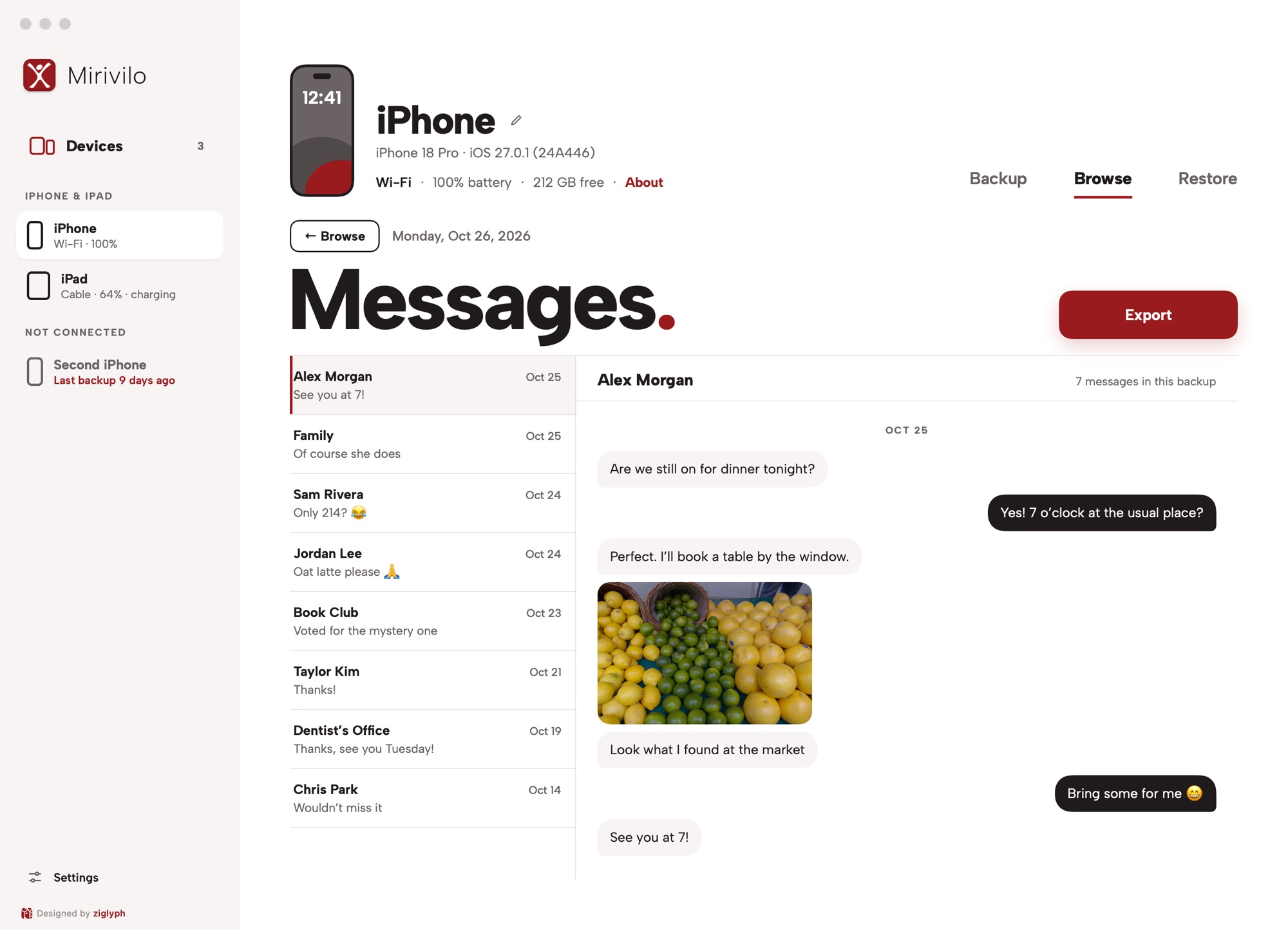
Messages, contacts, notes, voicemail and call recordings, in the backup viewer. Export to PDF or CSV.
Restore only what you need
Bring back just your messages, contacts or one app's data from the latest backup. Mirivilo backs up the device first, then restores what you chose.
Health and Screen Time
Your measurements, workouts and daily app use, read from encrypted backups.
Privacy and safety
Your data stays on your Mac.
Nothing in the cloud
Your backups and files never leave your Mac. You sign in with just your email. Mirivilo goes online to check your subscriptions, look for its own updates, look up a brand-new device model and, when a restore needs it, activate an erased device or reinstall iOS on one stuck in Recovery Mode; the Privacy Policy lists each one.
Backed up before restore
Before a restore, Mirivilo backs up the device first when it can, so you can undo it until the device is backed up again. Restores and erases ask you first.
Passwords in Keychain
Backup passwords you choose to save are kept in the macOS Keychain and never written to a log.
Built on open source
Mirivilo connects to your devices through libimobiledevice, the open-source standard.
Pricing
One subscription, everything in it.
Each iPhone or iPad has its own subscription, renewing on its own date.
Each iPhone or iPad
$10a yearplus tax
7 days free first, no card needed
One subscription per device
Use it on any of your Macs at no extra cost.
The free trial starts in the app, so there's nothing to cancel. Subscriptions renew automatically every year until you turn renewal off: in the app, at mirivilo.com/manage or on link.com. When a subscription ends, backups stop and restoring needs a subscription again; you can still read and export your backups.
Try nowQuestions
Before you ask.
How do I try it?
Download it here. Then open Mirivilo and sign in with your email address and a one-time code. Each iPhone or iPad gets 7 days free in the app, no card needed.
Which Macs, iPhones and iPads work?
Macs with macOS 14 Sonoma or later, Apple silicon or Intel. iPhones and iPads with any iOS version your Mac connects to. Backups can be read from iOS 10 onward.
Do I pay for my Mac?
No. Use Mirivilo on any of your Macs at no extra cost: sign in on each with your email and a one-time code. Only iPhones and iPads need a subscription.
Can I read my existing backups?
Yes, including encrypted backups once you enter the password. The phone doesn't need to be connected.
Does it read WhatsApp chats?
No. WhatsApp keeps its chats out of iPhone backups. To keep a copy, use Export Chat in WhatsApp.